
Insights — Web Design — 18 Oct 2026 — 2 min read
Accessibility is simply good design.
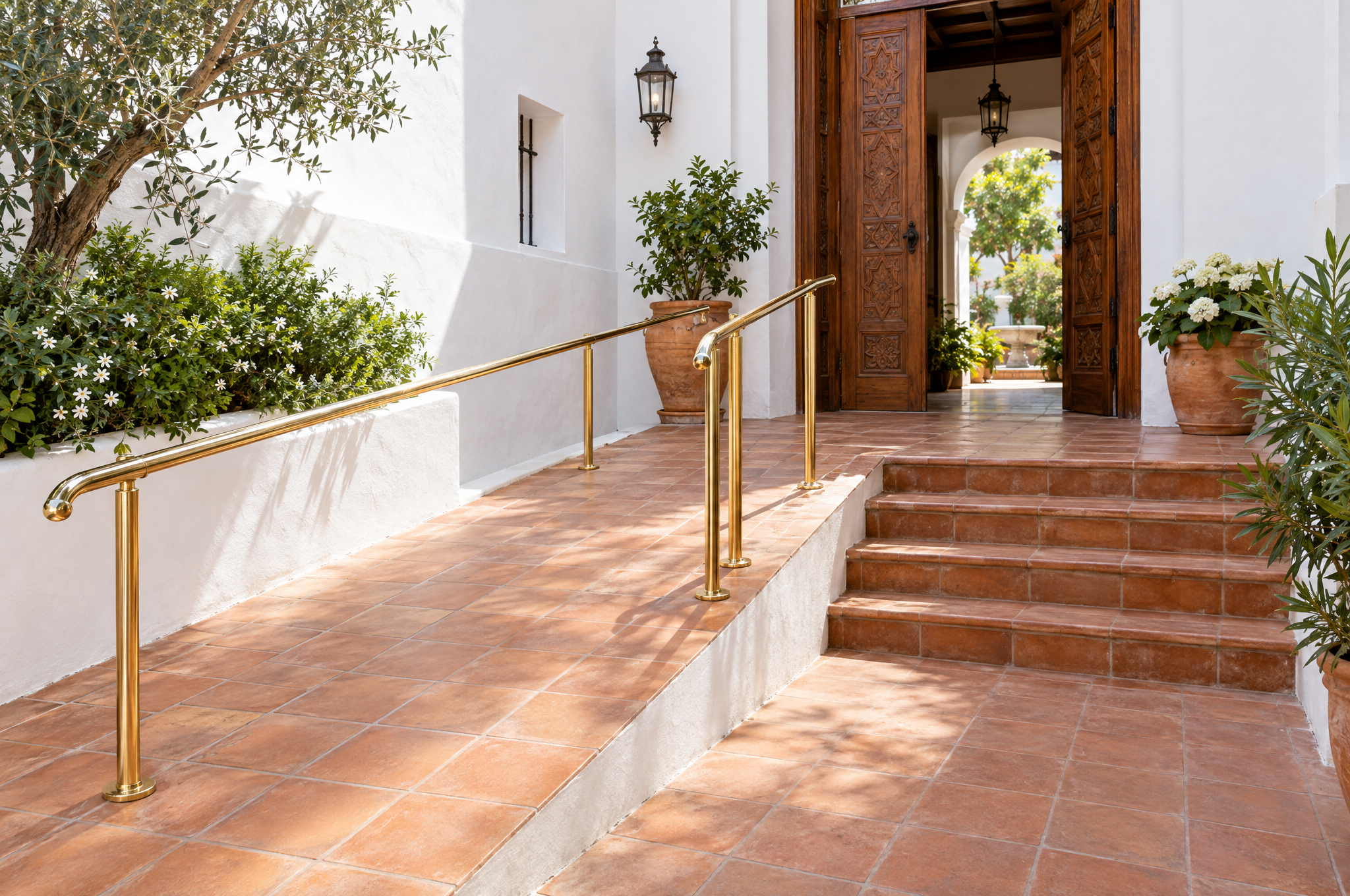
A site that works for people with disabilities also works better for everyone else: older visitors, people in bright sunlight, people on a slow phone. Most fixes are small.
Accessibility is about making sure people can use a website whatever their abilities: people with low vision, colour blindness, motor difficulties or hearing loss, but also older visitors, someone holding a phone in bright sunlight, or a customer on a slow connection. Designing for them makes the site better for all.
The basics that matter most
- Enough contrast between text and background.
- Text that can be enlarged without breaking the page.
- Buttons and links large enough to tap, with clear labels.
- Everything usable with a keyboard, with a visible focus.
- Descriptions on meaningful images, so screen readers can describe them.
- Captions or transcripts for videos with speech.
Forms people can finish
Forms are often where visitors give up. Labels that stay visible, clear error messages that explain how to fix the problem, and no unnecessary fields help everyone complete them, and bring you more enquiries.
Motion with care
Animation can bring a site to life, but it should never block reading or make people dizzy. Respecting the setting that reduces motion on a device costs little and matters a lot to some visitors.
Test it
Automatic tools find many problems, but not all. Try the site with the keyboard only, with the text enlarged and with a screen reader. Ask real users when you can.
Designing for the edges makes the centre stronger.
Want a site everyone can use? Tell us about your project through our estimate form: we will reply with an estimate and the next steps.
Working on something ambitious?
Start a project →